GLOBAL FLEET & TRADE · HANDBOOK
Globe and Orientation
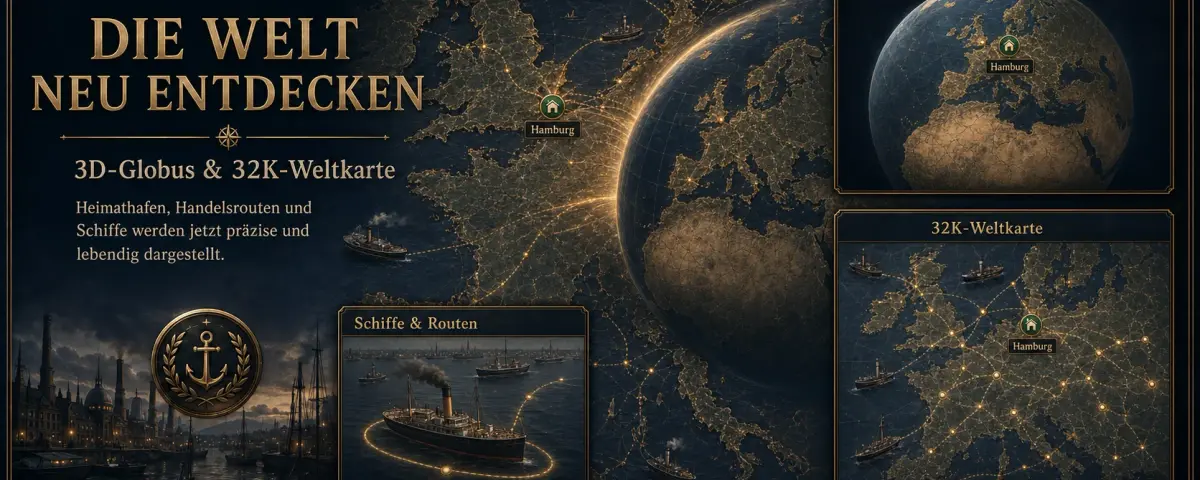
The globe presents the entire world for geographic orientation. Switch back to the flat map when you need precise object selection.
At a Glance
- The globe is not a second game world.
- Dragging rotates it; clicking or zooming approaches a region.
- The selected geographic position is carried to the map.
Rotate the globe
- Open Map layers and enable Globe.
- Place the pointer on the earth.
- Hold the left mouse button and move left, right, up or down.
- Release when the required region faces you.
Return to the map
Click a point on the globe or zoom in with the mouse wheel. The world map opens around that location, where ports, vessels and markers can be selected.
Why zooming out is limited
The minimum zoom prevents the horizontally repeating world from appearing several times at once. You can still pan continuously around the world across the date line.