
GLOBAL FLEET & TRADE · HANDBOOK
Telegraph Office, Tickets and Help
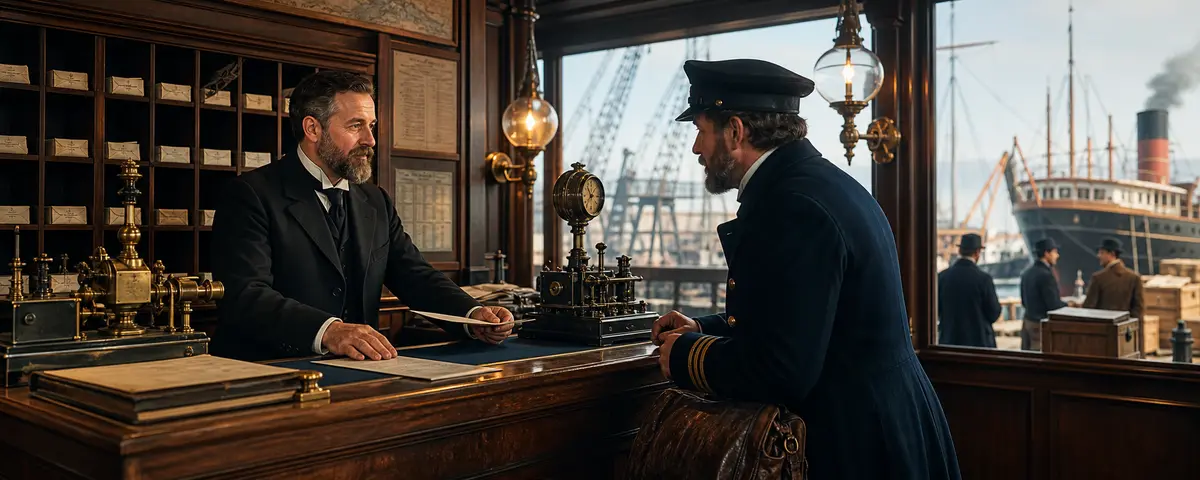
The Telegraph Office is the direct in-game support channel. A useful ticket describes a reproducible sequence and contains no secret credentials.
At a Glance
- One ticket should cover one clearly defined problem.
- Time, page and visible message accelerate investigation.
- Passwords, 2FA codes and recovery codes never belong in a ticket.
Create a ticket
- Open Telegraph Office – Ticket.
- Choose the closest category.
- Write a short subject naming the affected area.
- Describe every click in order.
- State expected and actual result plus time.
- Attach only safe screenshots and submit once.
Useful error description
Example: “On 3 August at about 14:30 in the Hamburg office, I bought 5 t of wood. A confirmation appeared but the warehouse did not change; a log entry exists.” This can be investigated. “It does not work” cannot.
Before submitting
Refresh once, verify active port and status, and read the relevant wiki article. Do not repeat a paid action only as a test. If security is involved, change your password and secure 2FA first.