Getting Started & Account
Your First Day
After signing in, you establish your shipping company, learn how your home port works and prepare your first voyage. Following the right order prevents costly mistakes.
Open ArticleGLOBAL FLEET & TRADE · HANDBOOK
The public handbook explains game mechanics, terms and connections in clear, linked articles.
PUBLIC PLAYER HANDBOOK
This wiki explains every player-facing function in Global Fleet & Trade: what to click, which requirement applies, why a step is necessary, what result it creates and how to recognise errors. It contains real vessel, city and goods data without revealing a hidden “best” trade route.
Start with “Your First Day” or choose the area you need from the navigation. Technical terms link to their own articles and detail pages link back to the wider system.
Getting Started & Account
After signing in, you establish your shipping company, learn how your home port works and prepare your first voyage. Following the right order prevents costly mistakes.
Open ArticleGetting Started & Account
Headquarters summarises the current state of your shipping company. Clara explains the visible page, recalls open assignments and points to a sensible next step without executing decisions automatically.
Open Article
Getting Started & Account
Your home port is the permanent administrative base of your company. The active port is the location whose city, market and office screens you are currently managing.
Open Article
Getting Started & Account
Your account protects your company, fleet and funds. Email verification, a strong password and two-factor authentication serve different security purposes.
Open Article
Getting Started & Account
Settings change your personal interface and local presentation. They do not alter market values, vessel statistics or travel time.
Open Article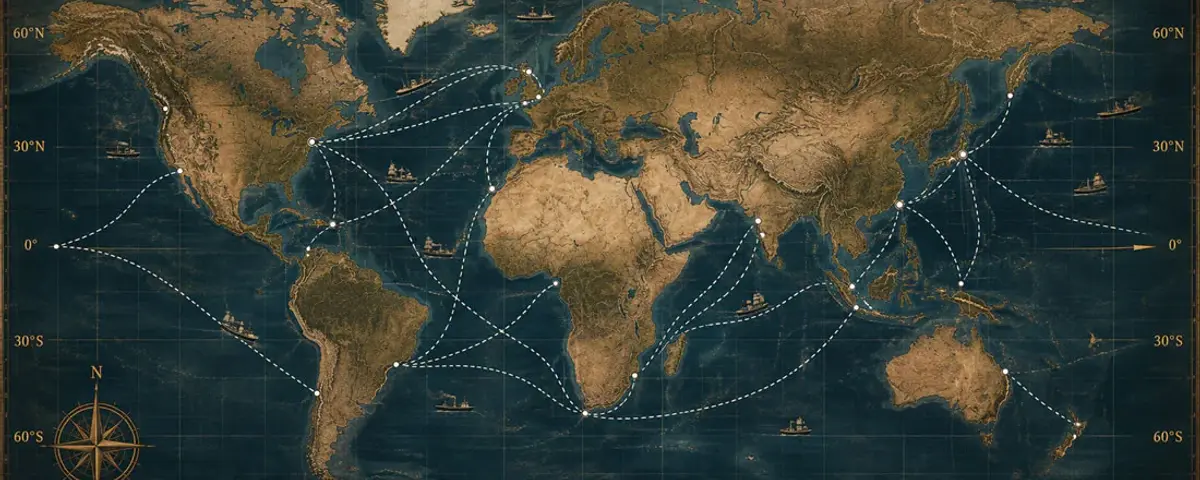
World Map & Navigation
The world map is the spatial workspace for ports, vessels, routes, customs offices and adventure or rumour hints created by the game. Layers control visibility only.
Open Article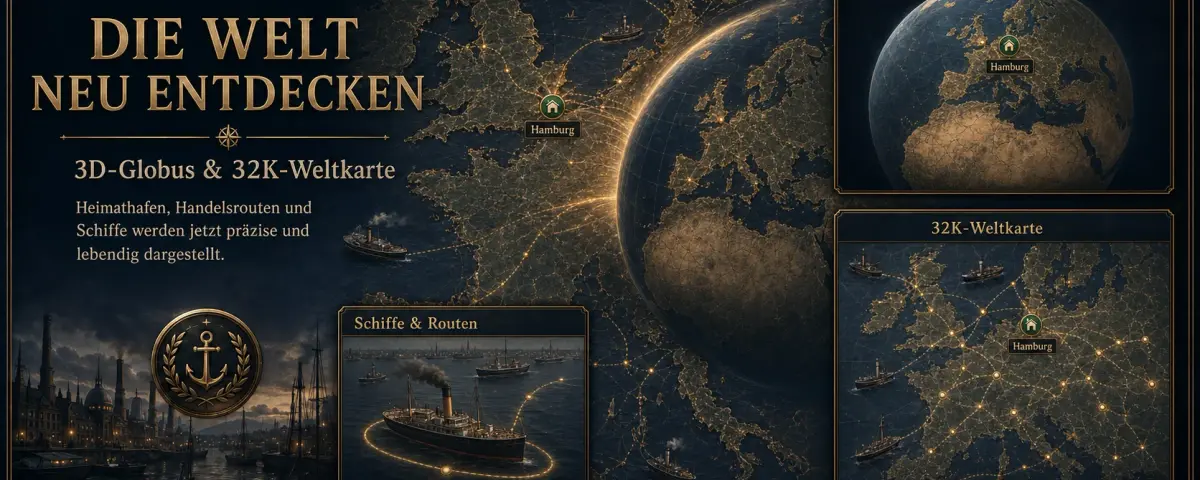
World Map & Navigation
The globe presents the entire world for geographic orientation. Switch back to the flat map when you need precise object selection.
Open ArticleWorld Map & Navigation
Markers are created exclusively by active rumours and adventures. Players can no longer create, rename, move, archive or delete their own markers.
Open Article
World Map & Navigation
Customs offices represent controlled passages along waterways. They are clickable map objects, but they are not cities, markets or destination ports.
Open ArticleWorld Map & Navigation
Weather fields move independently across the world. If an active route encounters one, its type may influence the voyage or vessel.
Open ArticleCities, Rights & Offices
Cities are voyage destinations and local economic areas. City size, port type, access and licence requirements determine which functions can be used.
Open Article
Cities, Rights & Offices
The world economy is divided into 22 trade regions. Each region has its own basic supply and characteristic export and import goods.
Open ArticleCities, Rights & Offices
A port right grants access to protected functions at a port. It does not create an office and does not move a vessel.
Open ArticleCities, Rights & Offices
An office is your company branch in a city. It provides local storage and connects your company to that port market.
Open Article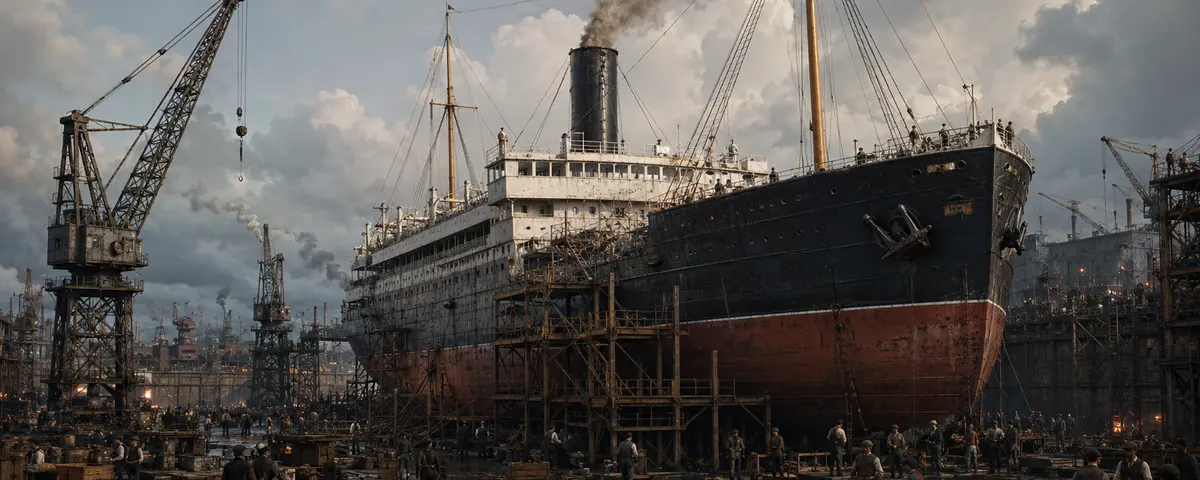
Vessels & Shipyard
Reputation and a shipyard licence serve different purposes: reputation permanently unlocks a department, while the local licence permits its use at a particular port.
Open ArticleMarket & Warehouse
The city market displays purchase price, selling proceeds, supply, market stock, daily balance and your local holdings. These values change in the persistent economy.
Open Article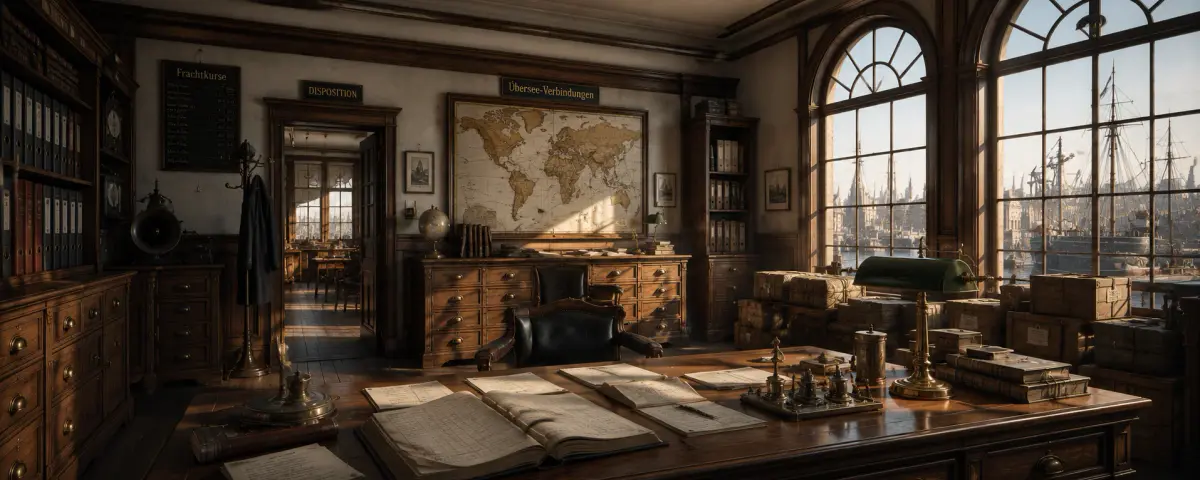
Market & Warehouse
The warehouse contains goods held by the active office. By default, the largest holdings appear first; column headings can change the order.
Open ArticleMarket & Warehouse
Every good has a category, trade tier, unit and cargo group. The cargo group connects that good to vessel transport profiles.
Open ArticleMarket & Warehouse
Markets, population, production, consumption and voyages continue on the server. The world does not wait for one player to keep a page open.
Open ArticleIndustry & Production
The industrial area is a playable, server-persisted company site. Land purchase, first buildings, warehouse transfer and manual production runs are active; the extended land and construction editor is still in development.
Open Article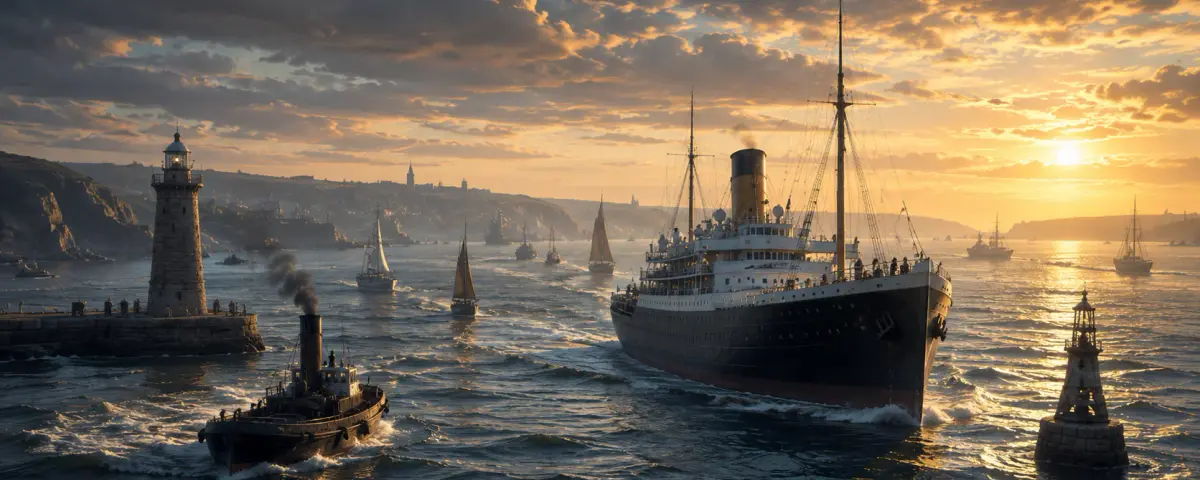
Vessels & Shipyard
The complete vessel catalogue organises every available type by class, capacity, speed, reputation, intended use, cargo profile and technical approval.
Open ArticleVessels & Shipyard
A transport profile determines what share of nominal capacity can be used for each cargo group. Technical approvals additionally determine whether special cargo may be loaded at all.
Open ArticleVessels & Shipyard
The fleet view lists your vessels with location, condition, cargo, fuel level, construction or voyage status and any assigned route.
Open ArticleVessels & Shipyard
The shipyard grows with your reputation: repairs and renaming are immediately available, while equipment, new builds, the used market and selling unlock in stages.
Open Article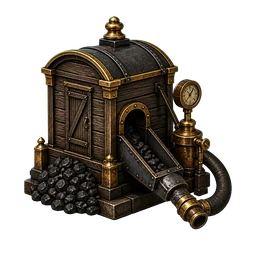
Vessels & Shipyard
The bunker station supplies vessels at the active port with the fuel required by their type. Purchased fuel goes directly into the vessel tank and the revenue is credited to the city treasury.
Open ArticleVessels & Shipyard
Condition describes the technical state of an individual vessel. Repairs occupy it in the shipyard; upgrades and renaming change only their stated properties.
Open ArticleVessels & Shipyard
Loading transfers goods from a local office warehouse into a vessel at the same port. Profile, approval, available goods and free hold capacity limit the amount.
Open ArticleRoutes & Contracts
A route connects an available vessel with an origin, reachable destination, cargo and arrival action. Only final confirmation creates the server-side voyage.
Open ArticleRoutes & Contracts
At the calculated time the vessel reaches its destination. The game then processes the chosen arrival action and, where applicable, port handling.
Open Article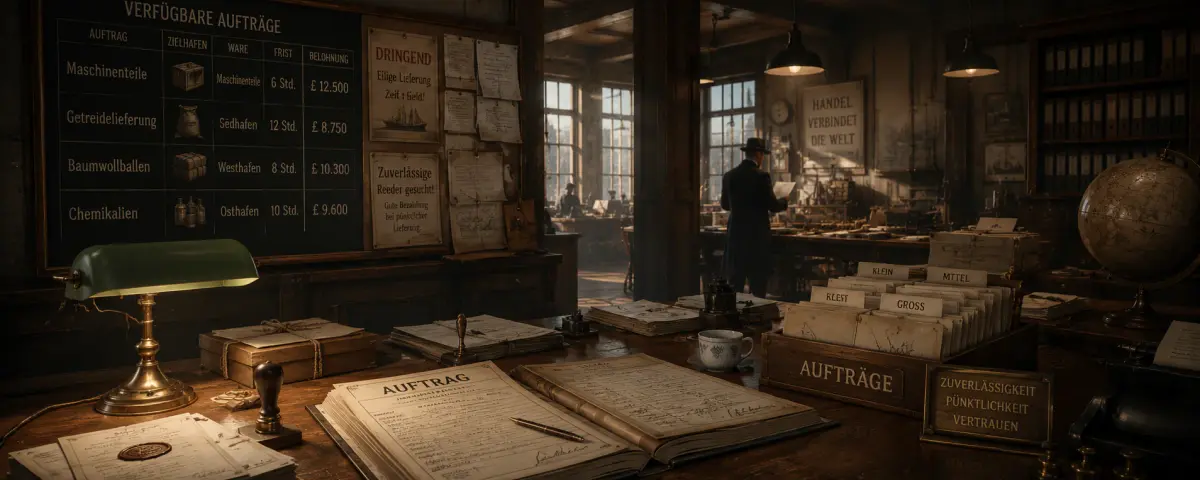
Routes & Contracts
Contracts require a specified good, amount, origin or destination within a deadline. Contract cargo and ordinary trade goods are deliberately recorded separately.
Open Article
Adventures
Thirty special adventurers each offer a distinct sequence of ten missions. This provides 300 individual adventure missions with different stories, routes and search puzzles.
Open ArticleAdventures
An expedition cannot start with an ordinary trading vessel. Adventure state, expedition vessel, empty hold, fuel and a navigable connection to the first waypoint are checked before departure.
Open ArticleAdventures
Intermediate waypoints provide clues and unlock the next course. At the final waypoint the actual search is prepared with radius, duration, search pattern, speed and sonar.
Open ArticleVessel Control
The expedition bridge is a dedicated control area outside the world map. Its instruments control only the assigned expedition vessel and follow the stored travel or search state.
Open ArticleVessel Control
Search pattern and speed are separate settings. Only a manual engine command starts or resumes an enabled voyage leg or search.
Open ArticleVessel Control
Chart, radio and sonar share the stored expedition state. They provide course release, search configuration, crew coordination and supplies at sea.
Open ArticleTavern & Information
The tavern presents regional contacts, rumours and rare special encounters. A statement is information, not guaranteed truth.
Open ArticleTavern & Information
A rare special guest occupies the encounter slot for twelve hours. Reloading the page or reopening the tavern does not replace that person during the active cycle.
Open ArticleTavern & Information
Recruited spies appear in the Employees area. There you manage their cost, develop six skills and prepare future assignments.
Open ArticleTavern & Information
This directory lists regional tavern people and every rare spy, adventurer and special guest directly from the active game data.
Open Article
Finance & Company
The bank manages transfers between supported accounts. Recipient, amount and reference must be checked before confirmation.
Open ArticleFinance & Company
The stock exchange lets you buy and sell company shares. Price, quantity, portfolio value and available funds must be considered separately.
Open ArticleProgression & Public Presence
Reputation represents the long-term experience of your shipping company. Unique actions, contracts and milestones grant defined points; the total determines titles and access to vessels, shipyard areas and research.
Open ArticleResearch & Progression
Research is long-term progression across six branches and 79 technologies. Reputation opens stages, every path has dependencies and only one project can run at a time.
Open ArticleCompany & Public Presence
The operator profile summarises public company information. Reputation unlocks content; rankings compare published measures.
Open Article
Help & Traceability
The logbook records important company events. It helps you verify what the system processed and when an action occurred.
Open Article
Help & Traceability
The Telegraph Office is the direct in-game support channel. A useful ticket describes a reproducible sequence and contains no secret credentials.
Open Article