GLOBAL FLEET & TRADE · HANDBOOK
Chart, Radio, Sonar and Tanker
Chart, radio and sonar share the stored expedition state. They provide course release, search configuration, crew coordination and supplies at sea.
At a Glance
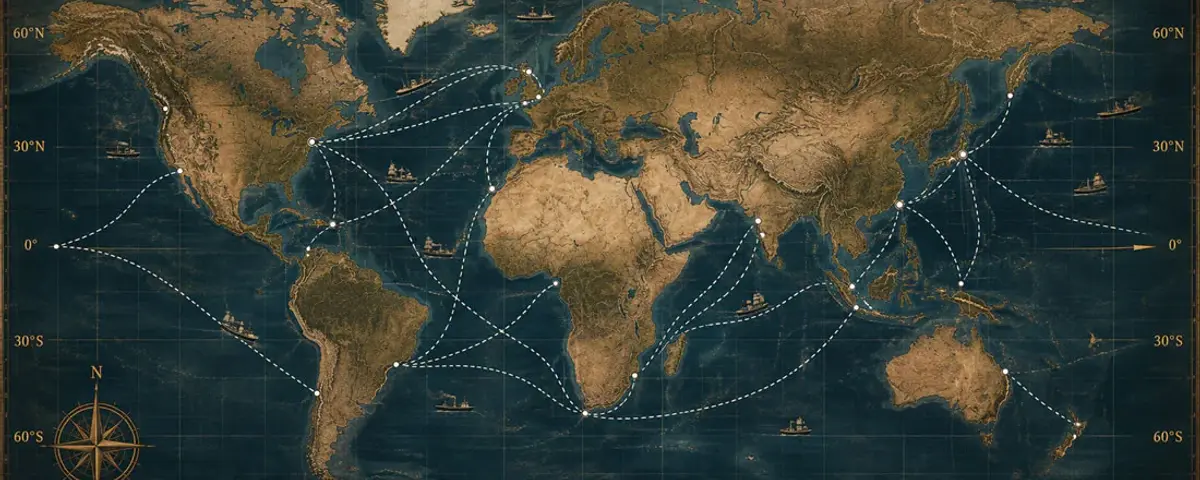
- The chart shows only waypoints and search areas belonging to the adventure.
- The radio issues concrete crew and tanker commands.
- A tanker order requires a quote, confirmation, approach and completed refuelling.
Use the chart
- Open the navigation chart.
- Move to the currently unlocked chart page.
- At the final point choose radius and search duration.
- Select a newly unlocked waypoint or, after salvage, the home port.
- Confirm the course explicitly.
Immediate home course through the wheel
The bridge return function is separate from ordinary chart selection. After confirmation it immediately replaces the current route with one to the home port. The chart then displays that homeward course; the engine must still be started manually before the vessel moves.
Operate sonar
The power control enables or disables sonar and depth is selected in detents. Both values are stored and affect only an eligible search phase. A visible ping alone is not a find; the server-side search result remains authoritative.
Radio and salvage team
The radio coordinates crew readiness and, after a confirmed find, the salvage team. The salvage command appears only when the search succeeded and its result has been acknowledged.
Call a tanker
- Open the radio and request a tanker quote.
- Check quantity, price and safety information.
- Confirm the order once.
- Wait for server-side approach and refuelling.
- Acknowledge completion and then restart engine or search yourself.